


“Aerocool Verkho III Mini” has been added to your cart. View cart
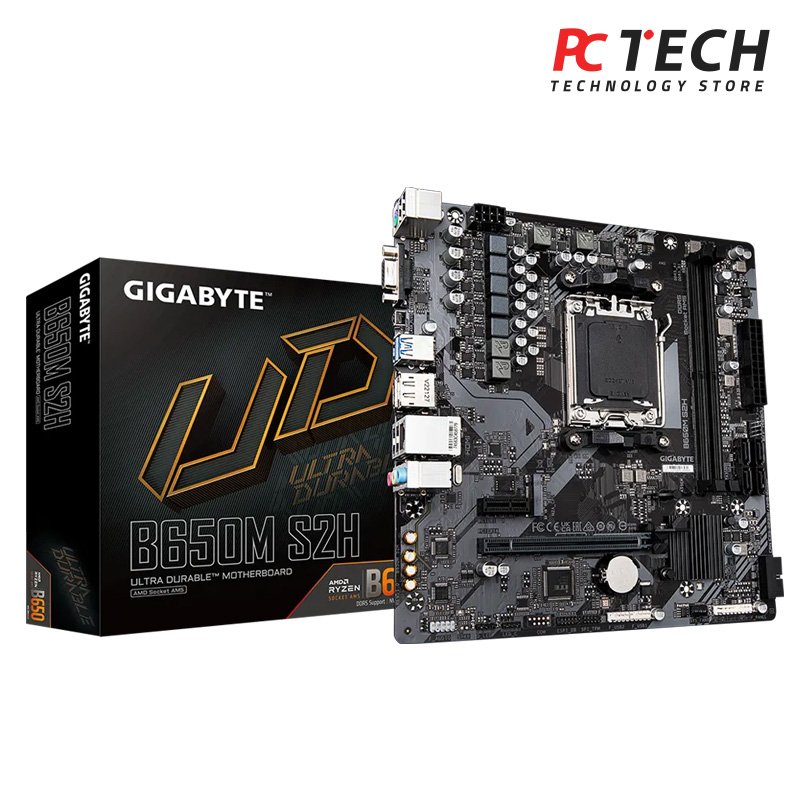
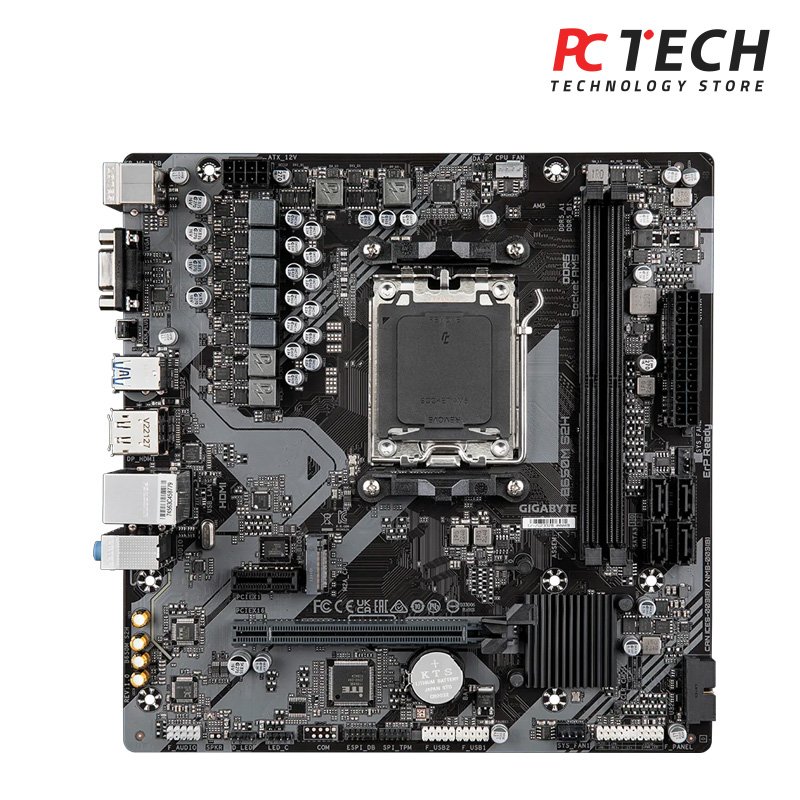
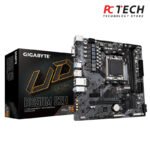
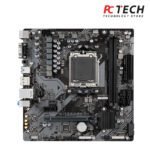
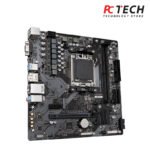
GIGABYTE B650M S2H RYZEN MOTHERBOARD
5.450,00 EGP
Out of stock
The GIGABYTE B650M S2H is a versatile motherboard designed for AMD Ryzen processors
Out of stock
الشحن والتسليم
-
Courier delivery
Mersal Courier Express will deliver to the specified address
2-3 Days
-
Warranty
Description
GIGABYTE B650M S2H
AMD Socket AM5:Supports AMD Ryzen™ 7000/ Ryzen™ 8000/ Ryzen™ 9000 Series Processors
- GIGABYTE B650M S2H Unparalleled Performance:5+2+2 Phases Digital VRM Solution
- Dual Channel DDR5:2*SMD DIMMs with AMD EXPO™ & Intel® XMP Memory Module Support
- SuperSpeed Storage:PCIe 4.0 x4 M.2 Connector
- EZ-Latch:PCIe x16 Slot with Quick Release Design
- Fast Networks:GbE LAN
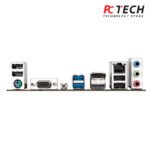
- Extended Connectivity:DP, HDMI, D-Sub
- Smart Fan 6:Features Multiple Temperature Sensors, Hybrid Fan Headers with FAN STOP
- Q-Flash Plus:Update BIOS Without Installing the CPU, Memory and Graphics Card
- GIGABYTE B650M S2H
- The GIGABYTE B650M S2H is a versatile motherboard designed for AMD Ryzen processors. Here are some of its key features: Socket & Chipset: Supports AMD Socket AM5, compatible with Ryzen 7000, 8000, and 9000 series processors12. Memory: Dual-channel DDR5 support with 2 DIMM slots, allowing up to 128GB of RAM12. Power Design: 5+2+2 phases digital VRM solution for stable power delivery12. Expansion Slots: One PCIe 4.0 x16 slot with EZ-Latch for easy GPU installation and one
- GIGABYTE B650M S2H
- GIGABYTE Ultra Durable™ motherboards built with optimal components inside out provide the prime performance and timeless platform.
- GIGABYTE B650M S2H Update the BIOS easily without installing the CPU, memory and graphics card. With GIGABYTE Q-Flash Plus, you don’t need to install the CPU, memory and graphics card nor enter the BIOS menu to flash the BIOS. Just download and save a new BIOS file (rename to gigabyte.bin) on the USB flash drive, then press the dedicated Q-Flash Plus button and you’re good to go!
- STEP 1: Plug 24pin & 8pin power supply cable on motherboard
- STEP 2: Download motherboard BIOS file and rename to “”gigabyte.bin””, save to USB flashdrive, and plug USB flashdrive into Q-Flash USB port
- STEP 3: Press Q-Flash Plus button, and motherboard will start updating BIOS automatically.
Customer Reviews
Be the first to review “GIGABYTE B650M S2H RYZEN MOTHERBOARD” Cancel reply
You may also like
توصيل في خلال 72 ساعة
AMD Ryzen 5 4650G Processor – 6 Cores, 12 Threads | Tray Version
In stock
4.999,00 EGP
توصيل في خلال 72 ساعة
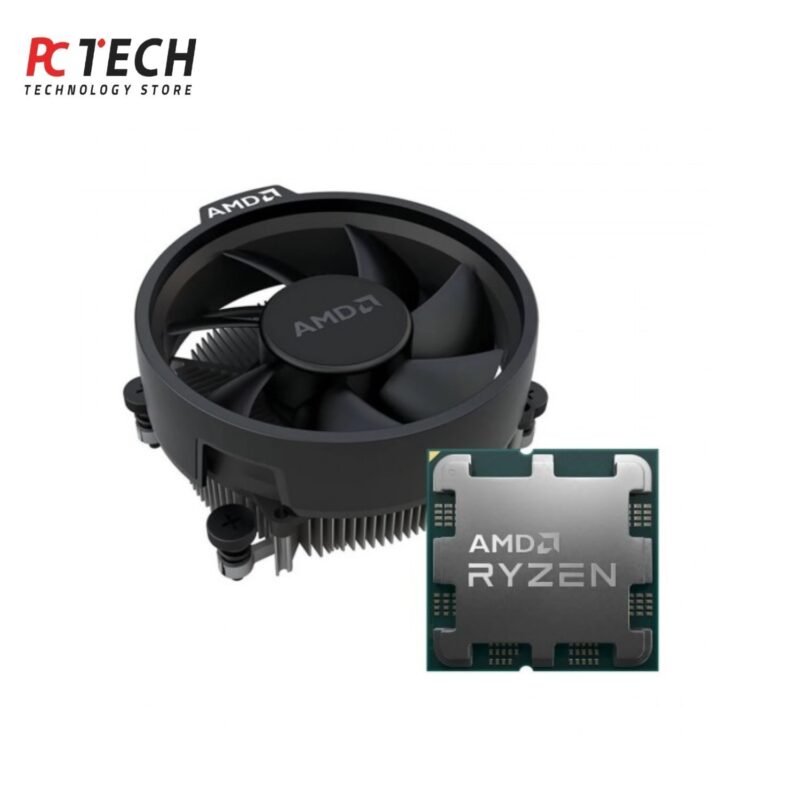
AMD Ryzen 5 7600 Processor – 6 Cores, 12 Threads | Tray Version with Stock Cooler
In stock
8.499,00 EGP
توصيل في خلال 72 ساعة
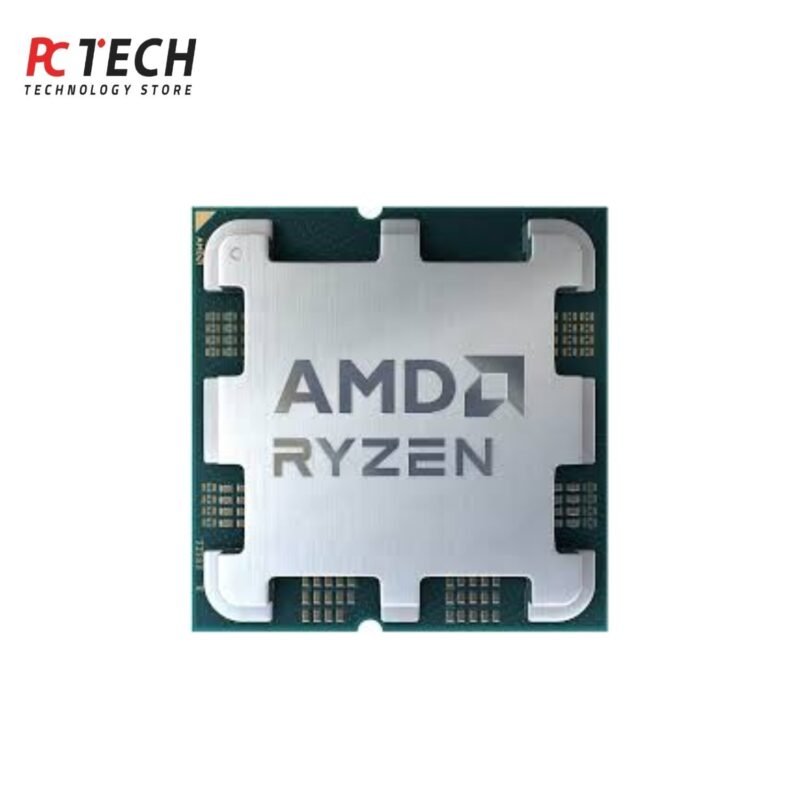
AMD Ryzen 5 7600X Processor – 6 Cores, 12 Threads | Tray Version Non Cooler Fan
In stock
9.899,00 EGP

Reviews
There are no reviews yet.